| Notes & Editor |
| Rich text editing | Yes — bold, italic, headings, colours, highlighting, justification | Yes — full formatting with styles |
| Page sizes (A4, Letter, Legal) | Yes — A4, Letter, Legal, A3 | Paper size for printing only |
| Drawing & pen tools | Yes — pen, highlighter, eraser, shapes | Yes — excellent inking, especially on Surface |
| Shapes library | Yes — networking, flowchart, charts, connectors | Basic shapes only |
| Templates | Yes — save any note as template, PDF backgrounds | Yes — built-in and custom templates |
| Tables | Yes — merge/split cells, borders, alignment | Yes — basic tables with Excel integration |
| Paper styles (lined, graph, dot grid) | Yes — 10 styles including Cornell and isometric | Rule lines option only |
| Page breaks | Yes — Ctrl+Enter with visible markers | No — infinite canvas model |
| Ruler & tab stops | Yes — cm/mm ruler with draggable margins | No |
| Code blocks | Yes — inline and multi-line | No native support |
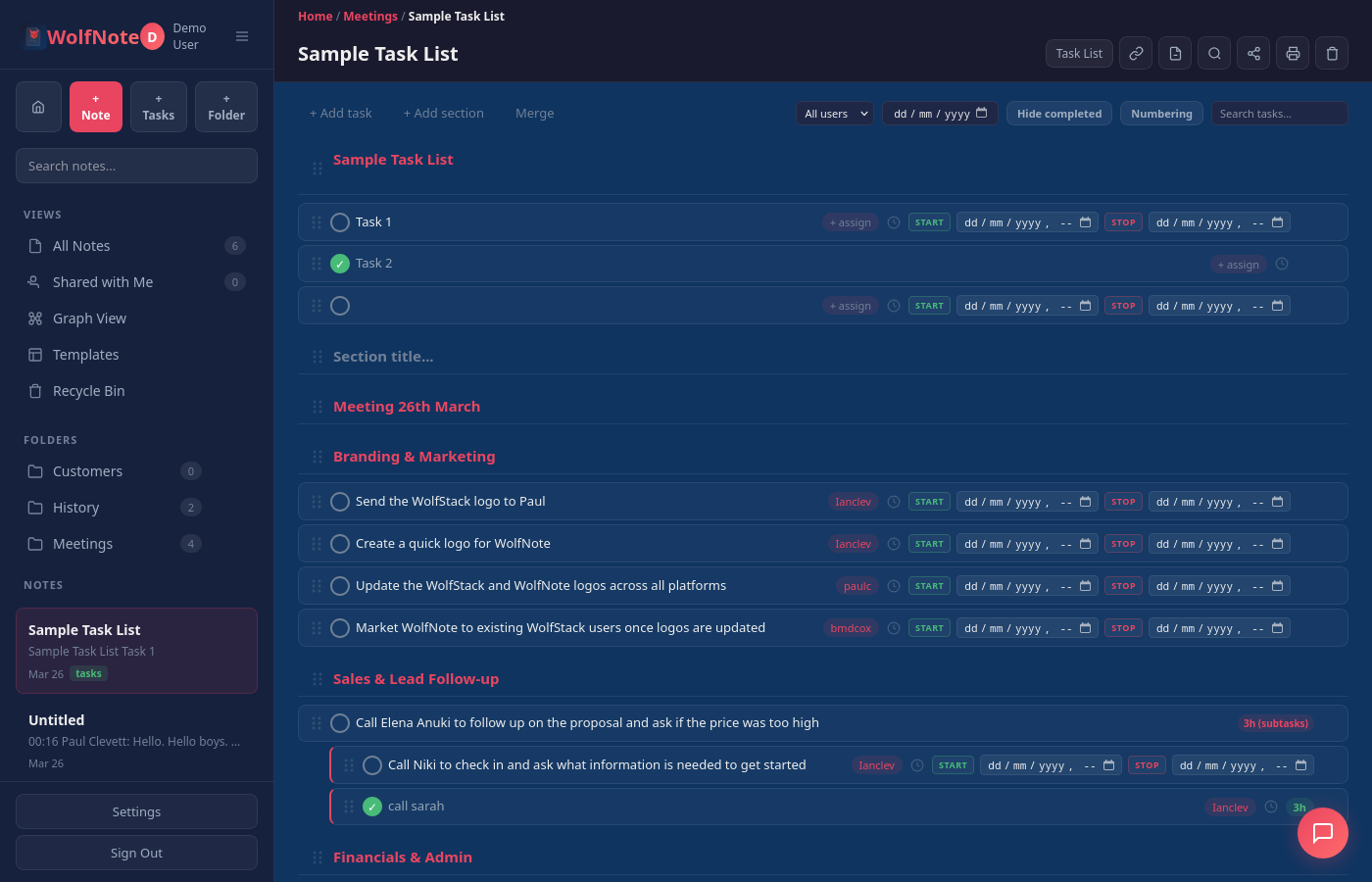
| Task Management |
| Checkboxes / to-do tags | Yes | Yes — To Do tags |
| Subtasks with nesting | Yes — unlimited nesting, drag to reorder | No — flat checkboxes only |
| Time tracking per task | Yes — start/stop timers with timestamps | No |
| Assignees | Yes — assign to team members, filter by person | Outlook integration for flagging |
| Estimated hours | Yes — manual or AI-powered PERT estimates | No |
| Task filtering | Yes — by assignee, status, date range | Tag search only |
| AI notes-to-tasks conversion | Yes — paste any text, AI extracts tasks | No |
| Section headers with numbering | Yes — auto-numbered sections | No |
| Billing & Invoicing |
| Time tracking | Yes — per-task timers with exact timestamps | No |
| Per-user billing rates | Yes — different rate per team member | No |
| Multi-currency | Yes — GBP, USD, EUR, AUD, CAD | No |
| Invoice generation | Yes — AI-generated with billing totals | No |
| Invoice tracking | Yes — mark tasks as invoiced, filter uninvoiced | No |
| Print billing reports | Yes — with per-user cost breakdowns | No |
| AI Features |
| AI chat assistant | Yes — multi-turn with note context | Yes — Copilot integration |
| AI document generation | Yes — 13 types: invoices, SOW, proposals, reports, and more | Summarise and rewrite only |
| AI image generation | Yes | Yes — via Copilot |
| Notes-to-tasks AI | Yes — extracts tasks, assignees, and deadlines | No |
| Web search grounding | Yes — AI answers with live web results | Yes — Copilot web search |
| Multiple AI providers | Yes — Claude, Gemini, or local Ollama | No — Microsoft Copilot only |
| Bring your own API keys | Yes | No |
| Organisation |
| Folder hierarchy | Yes — unlimited nested folders with drag-and-drop | Yes — notebooks, sections, pages |
| Sharing | Yes — per-note or per-folder, read or edit | Yes — share notebooks via OneDrive |
| Search | Yes — full-text search with Ctrl+K | Yes — excellent search including handwriting OCR |
| 3D knowledge graph | Yes — interactive graph of note connections | No |
| Colour-coded folders | Yes — 12 colour presets | Section colours only |
| Recycle bin | Yes — with folder restore | Yes — notebook recycle bin |
| Import & Export |
| Import from other note apps | Yes — Evernote, Notion, Google Keep, Joplin, Standard Notes, Apple Notes | Evernote import only |
| Import Word, PDF & Excel files | Yes — as editable notes and tables | Insert as printout image only |
| Import PDF as editable text | Yes — keeps fonts, colours and logos | No — printout image only |
| Export to Word, PDF, ODT, HTML, Markdown | Yes — 6 formats | PDF and Word export |
| Platform |
| Web app | Yes — any modern browser | Yes — OneNote for the web |
| Desktop app | Yes — PWA install | Yes — Windows, macOS |
| Mobile app | PWA (responsive) | Yes — iOS, Android |
| Tablet inking | Yes — pen and touch support | Yes — best-in-class on Surface |
| Account requirement | Email signup — no vendor dependency | Microsoft account required |
| Data storage | Isolated per-company database | OneDrive (shared with other Microsoft files) |
| Offline support | Yes — PWA with service worker | Yes — full offline in desktop app |
| Chrome extension | Yes — save any web page to WolfNote | Yes — OneNote Web Clipper |
| Pricing |
| Free tier |
Yes — free forever for individuals |
Yes — free with Microsoft account (5 GB OneDrive) |
| Paid plan |
$37/month — unlimited users, all features |
Microsoft 365: $6.99–$12.99/user/month |
| Per-user pricing |
No — flat rate, unlimited users |
Yes — cost scales with team size |