Features Product Pricing Security Blog vs Notion vs Evernote vs OneNote 🌐 Web Plugin 🐺 OpenClaw 🔗 GitHub ⚙ WolfStack Get Started
Notion Alternative

WolfNote vs Notion

Notion is a powerful workspace for databases and wikis. WolfNote is built for teams that need notes, tasks, time tracking, and client billing in one place — without paying per user.

Why Teams Switch

What WolfNote does that Notion doesn't

Notion excels at databases, wikis, and integrations. But if your team bills clients, needs a real document editor, or draws diagrams, you'll hit its limits fast.
Built-In Billing

Time tracking and invoicing, not a workaround

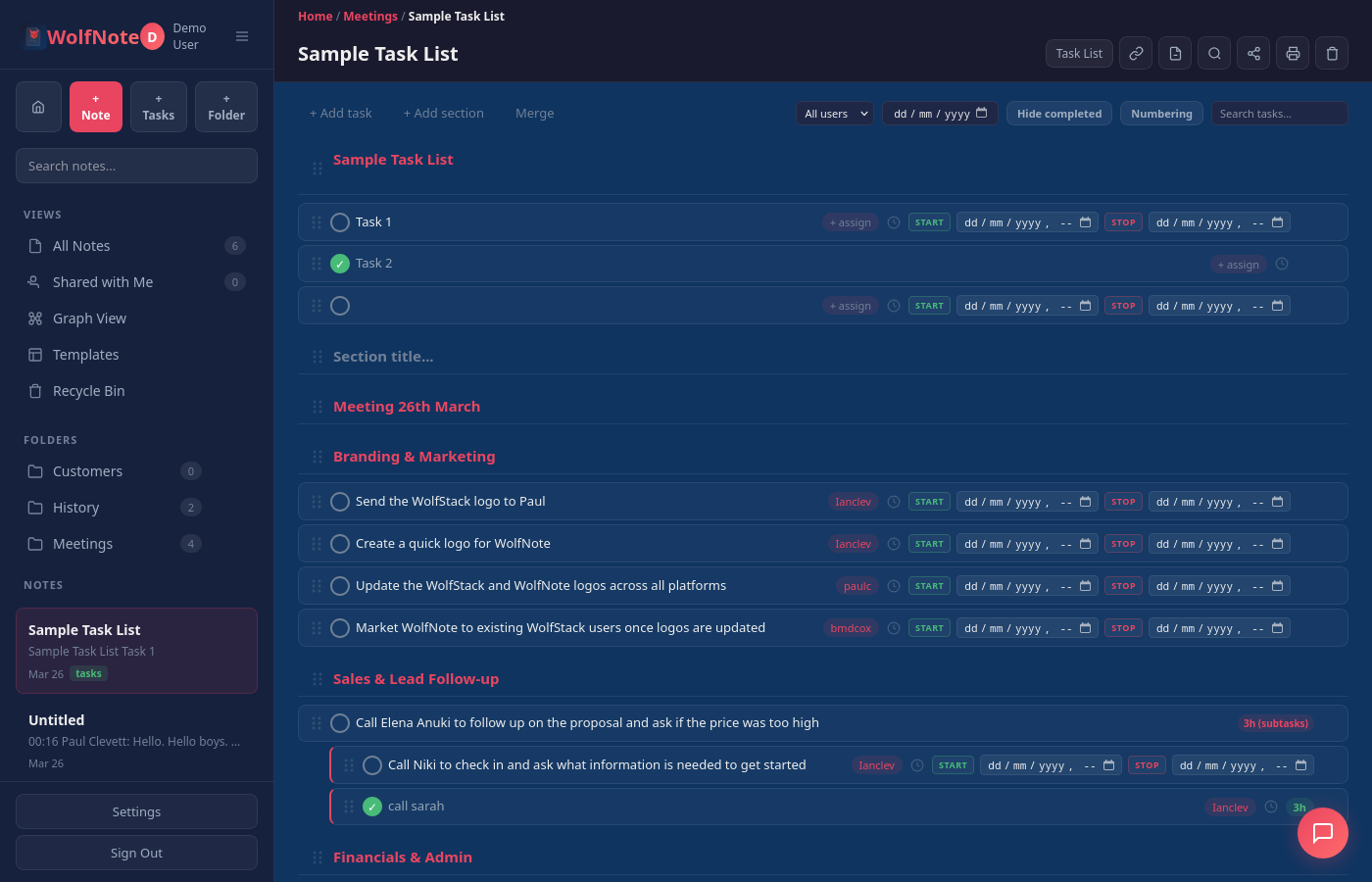
Notion has no time tracking. Teams bolt on Toggl, Clockify, or Harvest — and then manually reconcile hours against tasks. WolfNote tracks time per task with start/stop timers, per-user hourly rates, multi-currency support, and generates invoices directly from your task data.

  • Start/stop timers on every task
  • Per-user billing rates (GBP, USD, EUR, AUD, CAD)
  • AI-generated invoices and timesheets
  • Invoice tracking — mark tasks as billed
  • Print billing reports with per-user totals
WolfNote time tracking and billing
AI Documents

13 professional document types from your task data

Notion AI can summarise text and answer questions. WolfNote's AI generates full professional documents — invoices, statements of work, project proposals, sprint summaries, risk assessments, release notes, and more — all populated from your actual tasks, hours, and billing data.

  • Invoices & timesheets with real billing data
  • Statements of work with scope and deliverables
  • Project proposals, status reports, sprint summaries
  • Risk assessments, test plans, release notes
  • Filter by assignee, status, or date range
WolfNote AI document generation
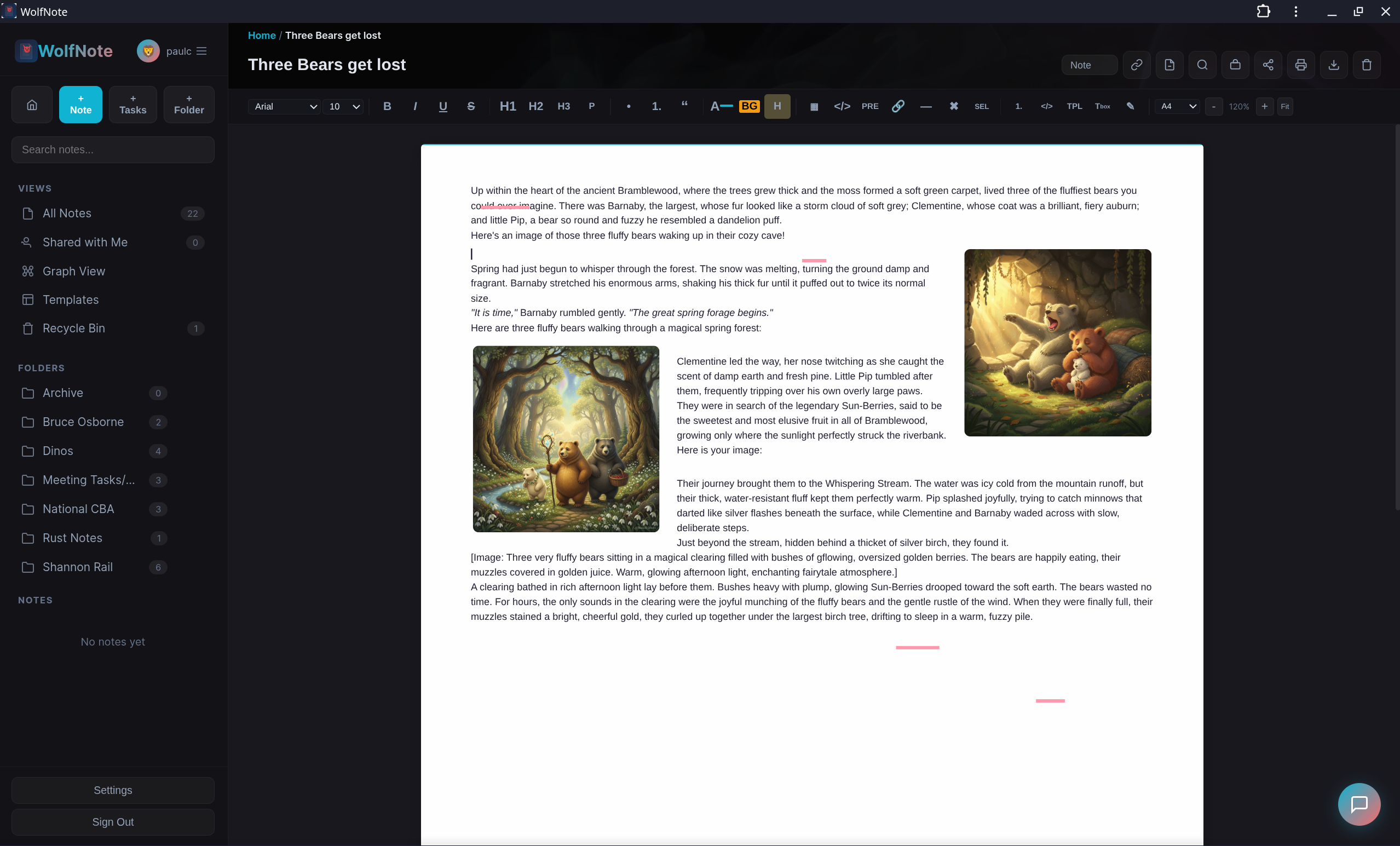
Real Pages

A page-based editor, not a block editor

Notion uses blocks — great for databases, but awkward for writing documents. WolfNote uses a traditional page-based WYSIWYG editor with real page sizes (A4, Letter, Legal, A3), page breaks, margins, rulers, and tab stops. What you see is what prints. If your team is coming from Word or Google Docs, WolfNote feels familiar on day one.

  • A4, Letter, Legal, A3 page sizes
  • Page breaks, margins, rulers, and tab stops
  • 10 paper styles (lined, graph, dot grid, Cornell)
  • Export to PDF, Word, ODT, HTML, Markdown
  • Print-ready layout — WYSIWYG
WolfNote page-based editor
Draw & Save

Pen tools, shapes, and no per-user fees

Notion has no drawing tools. WolfNote includes a pen, highlighter, eraser, shapes library (networking, flowchart, charts), snap-to-grid, and text boxes — all directly on your notes. And pricing is simple: $37/month for your entire team. No per-user charges. A team of 5 on Notion Business costs $75+/month; on WolfNote, it's $37.

  • Pen, highlighter, and eraser
  • Shapes: networking, flowchart, charts, connectors
  • Snap-to-grid with fine, medium, or coarse density
  • $37/month flat — unlimited users
WolfNote drawing tools, shapes and snap-to-grid in the editor
Feature Comparison

Side-by-side breakdown

An honest look at what each tool offers. WolfNote isn't trying to replace Notion's database engine — it's built for teams that need notes, tasks, and billing together.

Notes & Editor

Feature WolfNote Notion
Rich text editing
Page-based layout (A4, Letter, Legal)
Page breaks
Rulers, margins, and tab stops
Paper styles (lined, graph, dot grid, Cornell) 10 styles
Block-based content
Databases and relations
Tables
Code blocks
Note linking / cross-references

Task Management

Feature WolfNote Notion
Task lists with subtasks
Assignees
Drag-and-drop reorder
Kanban board view
Interactive Gantt chart with drag-to-reschedule
Burndown chart
AI notes-to-tasks extraction
Merge task lists
Estimated hours (manual + AI)

Time Tracking & Billing

Feature WolfNote Notion
Start/stop timers per task
Per-user hourly rates
Multi-currency billing 5 currencies
AI-generated invoices
Invoice tracking (mark tasks as billed)
Print billing reports

AI Features

Feature WolfNote Notion
AI chat assistant
AI text summarisation
AI document generation (13 types)
AI notes-to-tasks conversion
Web search grounding
Multiple AI providers (Claude, Gemini, Ollama)
Bring your own API keys
Local / offline AI (Ollama)
AI autofill (databases)

Drawing & Annotations

Feature WolfNote Notion
Pen and highlighter
Shapes library (networking, flowchart, charts)
Snap-to-grid drawing
Text boxes
Embedded diagrams (Mermaid, third-party) Via embeds

Import & Export

Feature WolfNote Notion
Import from other apps 8 providers Limited
Import Word, PDF & Excel files Word only
Import PDF as editable text
Export to PDF
Export to Word (.docx)
Export to OpenDocument (.odt)
Export to Markdown
Export to HTML
Export tasks to Excel / CSV CSV
Chrome extension (web clipper)

Security & Architecture

Feature WolfNote Notion
Isolated database per company
Built with Rust (memory-safe)
Auto TLS / HTTPS
SOC 2 compliance
Public API
Third-party integrations ecosystem Limited Extensive

Pricing

Feature WolfNote Notion
Free tier ✓ (1 user) ✓ (limited)
Team plan pricing $37/mo flat $10/user/mo
Cost for 5 users $37/mo $50/mo
Cost for 10 users $37/mo $100/mo
Cost for 20 users $37/mo $200/mo
Per-user fees None $10–$15/user
All features on every plan
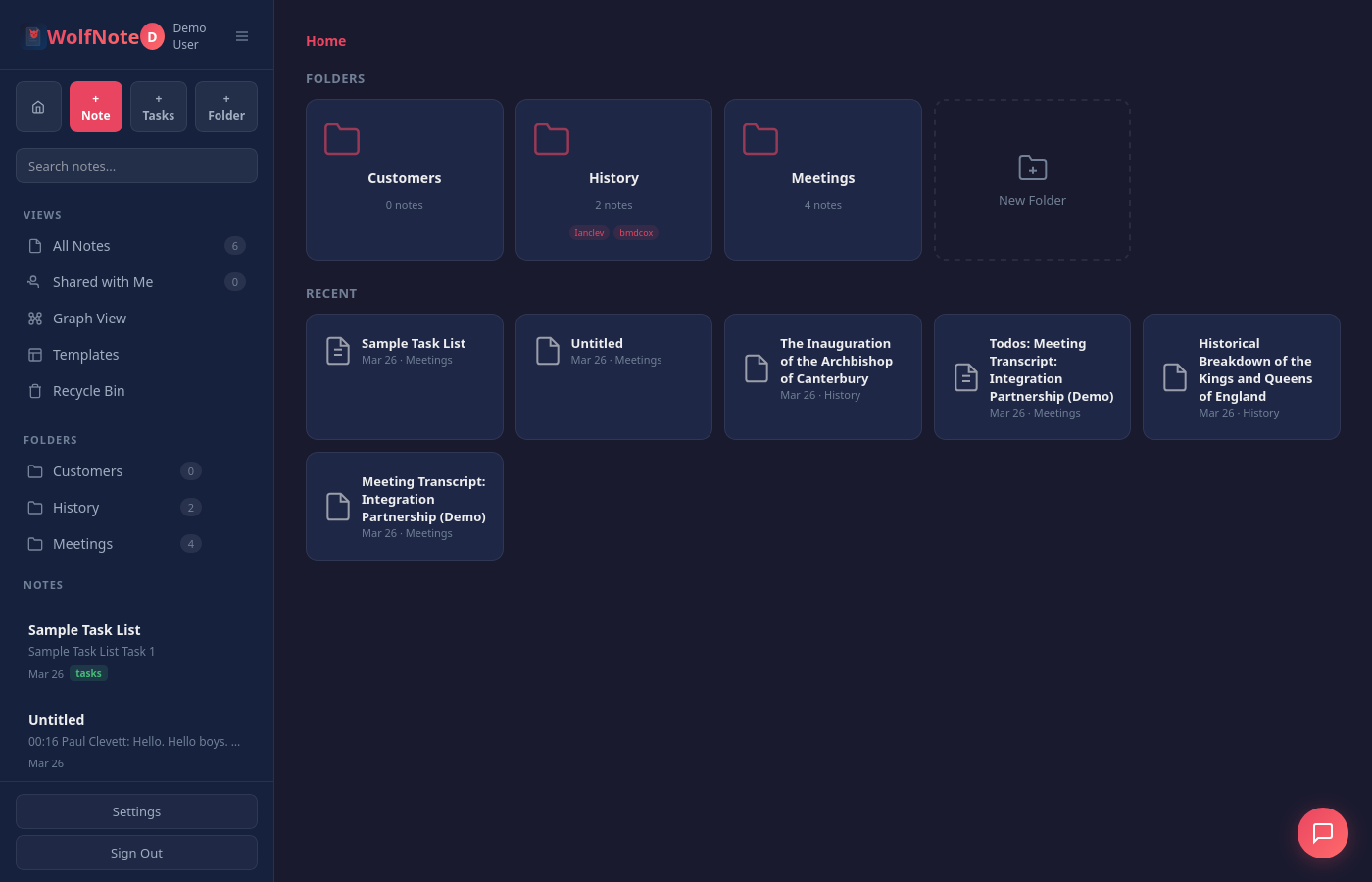
Migration

Switching from Notion is straightforward

1

Export from Notion

Use Notion's built-in export to download your workspace as HTML or Markdown files. Settings → Export all workspace content.

2

Import into WolfNote

Open WolfNote's import tool, select "Notion", and upload your exported files. Folder structure and formatting are preserved. You can also bring in Word, PDF, Excel and OpenDocument files the same way.

3

Start working

Your notes are ready. Add task lists, start tracking time, and generate your first AI invoice. No per-user setup required.

Notes, tasks, and billing.
One workspace. No per-user fees.

Free forever for individuals. $37/month for teams with unlimited users.